[ relay ] how sharing works
You can send a secret through our server, and we still can't read it.
When you share a glimpse, it becomes a link you paste into any chat. That link passes through a small server we run, the relay, so the two phones never need to find each other directly. The interesting part is that the relay forwards a secret it has no way to open. This page is the whole mechanism, end to end, with nothing hand-waved.
it's not that we promise not to look. it's that there's nothing there to look at.
[ 01 ] the whole thing in one picture
The ciphertext goes through the relay. The key goes around it.
[ 02 ] the link is the trick
Half of the link is the key. That half never reaches us.
- Before the # · sent to the relay
- The lookup code. The relay uses it to find one stored blob and hand it back. That blob is encrypted; the code is not a key, it just names a row.
- After the # · never sent anywhere
- The decryption key. The text after the # is the URL fragment, and by the HTTP specification browsers do not transmit it to a server. It stays on the device, which is the entire reason this works.
This is not a clever trick of ours. It is a rule every browser has followed for decades: the fragment is for the page, not for the server. We put the key there because it is the one part of a URL that is guaranteed never to leave the reader's machine.
[ 03 ] when you tap Share
What your phone does before anything is uploaded.
-
It generates a fresh key
A new random 256-bit key, just for this one share. It is never reused and never stored on the relay.
-
It encrypts the value on your device
The secret is sealed with
AES-256-GCMusing that key, before a single byte leaves your phone. What gets produced is an opaque blob plus the authentication tag that proves it has not been altered. -
It uploads only the ciphertext
The blob is sent to the relay, which stores it and returns a short
code. The key is not part of this upload. The relay has the locked box and no key. -
It builds the link
Your phone assembles /s/code and appends #key=…. You paste that into a chat. The key reaches your recipient through the chat app, not through us.
[ 04 ] what the relay actually holds
There is no column for the things we'd need to read it.
A shared secret is one row in the relay's store. Here is everything in it.
relay record · share.myglimpse.app
one share- code
- x7k2m
- ciphertext
- 9f83a1c0…(opaque bytes, AES-GCM)
- views_left
- 1
- expires
- 2026-06-27 14:02 UTC · 24h after creation
- key
there is no key column- plaintext
there is no plaintext column
The last two rows are the point. The relay has nowhere to put a key or a plaintext, because it is never sent either one.
[ 05 ] when they open the link
The decryption happens on their phone, in front of them.
-
Their browser loads the page
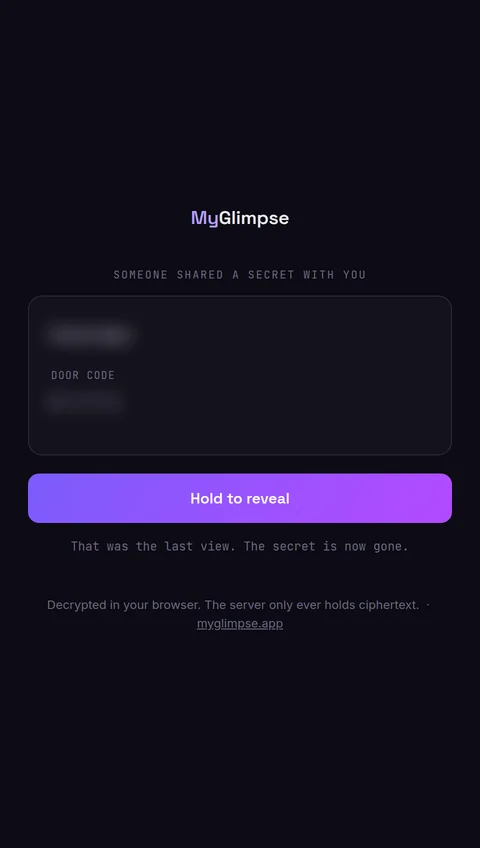
Only /s/code is requested from the relay. The #key=… part stays in their browser, exactly as it stayed in yours.
-
The page reads the key from the fragment
A small amount of JavaScript reads the key out of the address bar locally and asks the relay for the blob named by the code.
-
It decrypts on their device
Using the browser's built-in
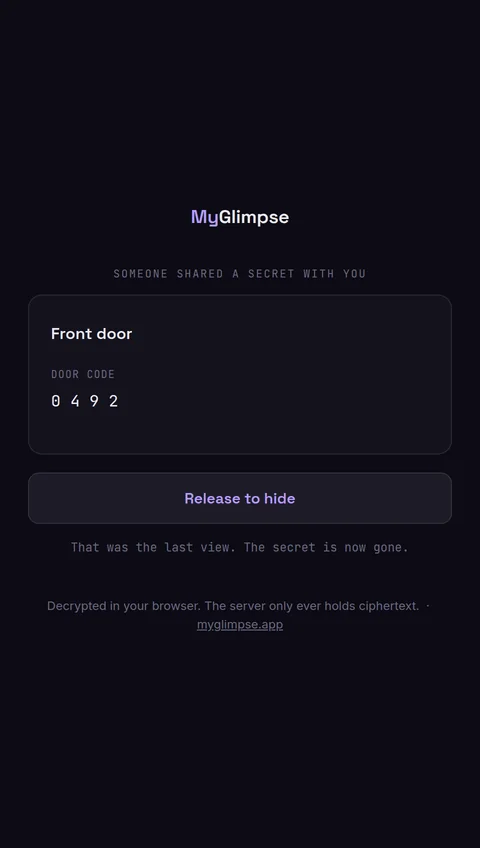
Web Crypto, the blob is decrypted right there. The plaintext appears on their screen and is never sent back to the relay. -
The relay burns it
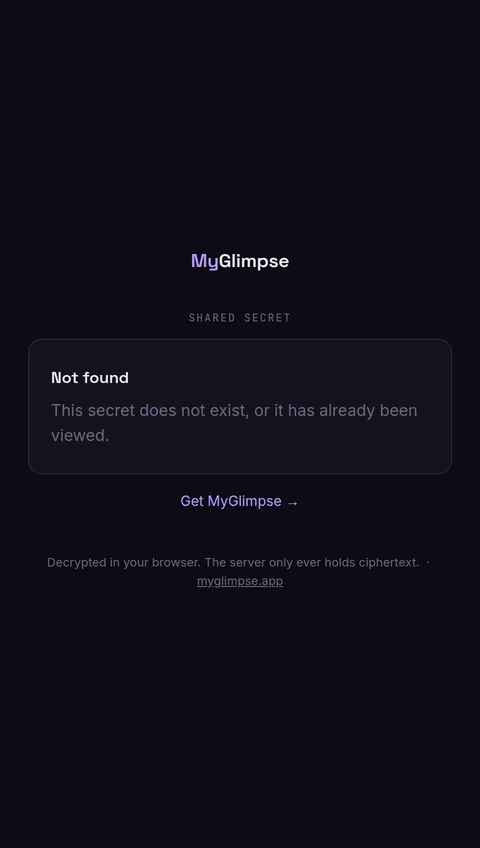
That view is spent. With one-view sharing the blob is deleted immediately; otherwise it expires within 24 hours. Open the same link again and there is nothing left to fetch.
This is the same logic as the app, written for a browser instead of Flutter. You can read the real thing: relay_service.dart on the client side, and the Go relay server alongside it.
[ 06 ] what this protects, and what it does not
Honest about the edges.
A guarantee is only worth something if you also know where it stops. So here is both.
It protects against
- Us. The relay only ever holds ciphertext. We can't read a share, and we can't be compelled to hand over a key we never had.
- Anyone watching the network. TLS in transit, and end-to-end encryption underneath it, so the wire carries nothing useful.
- Anyone who scrapes the relay. A stolen database is a pile of opaque blobs with no keys.
- Link-preview bots. Crawlers get a generic preview card, and fetching it does not spend the one view, so a chat thumbnail can't burn the secret before your recipient sees it.
It does not protect against
- Whoever holds the complete link. The fragment is the key, so anyone with the full URL can open it once. Send it over a channel you trust.
- A link that leaks before your recipient opens it. Prefer one-view sharing, so a link that escapes is already spent by the time it matters, and set short lifetimes.
- A compromised device on either end. If someone controls the sending or receiving phone, no relay design can help. That is true of every secure messenger.
share it the way you'd whisper it. one view means a leaked link is already empty.