[ the app ] real screens, not renders
This is the actual app.
Not a single mockup below.
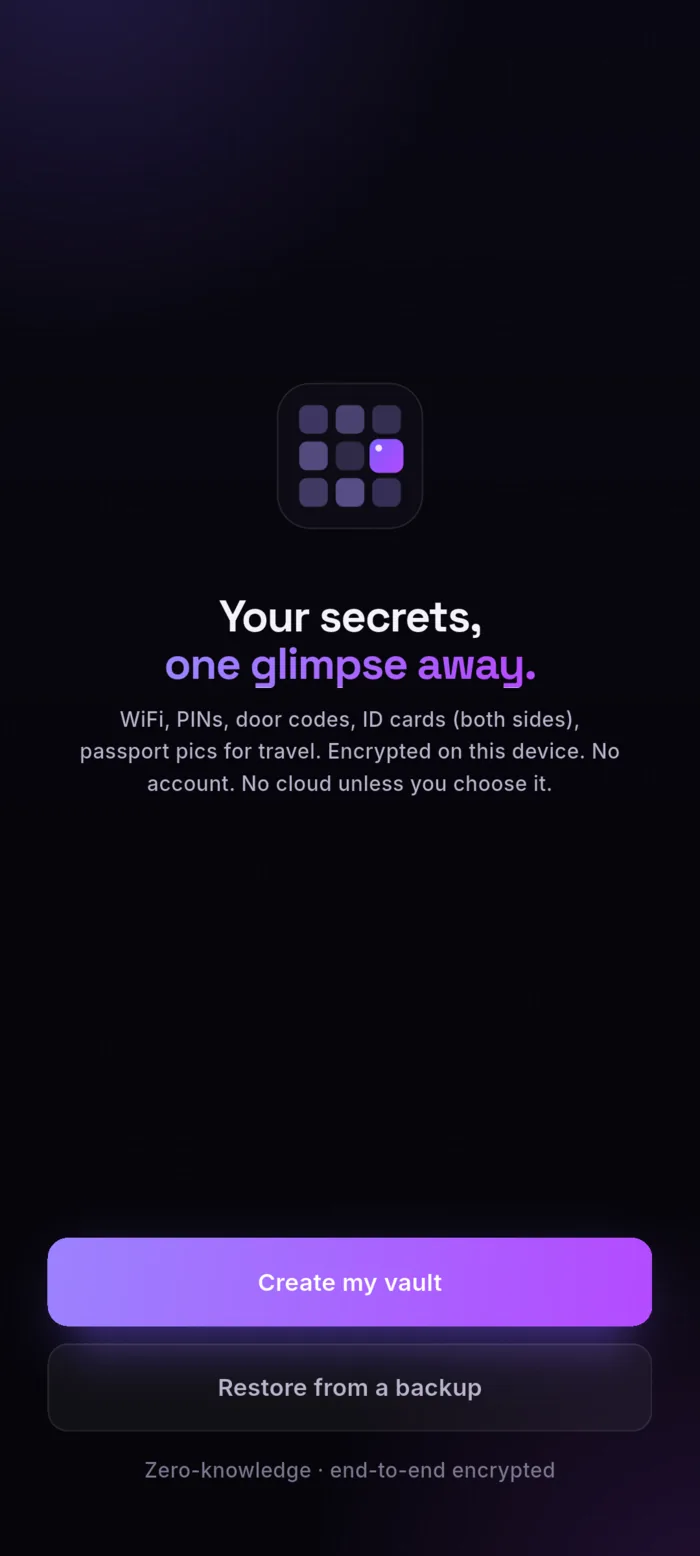
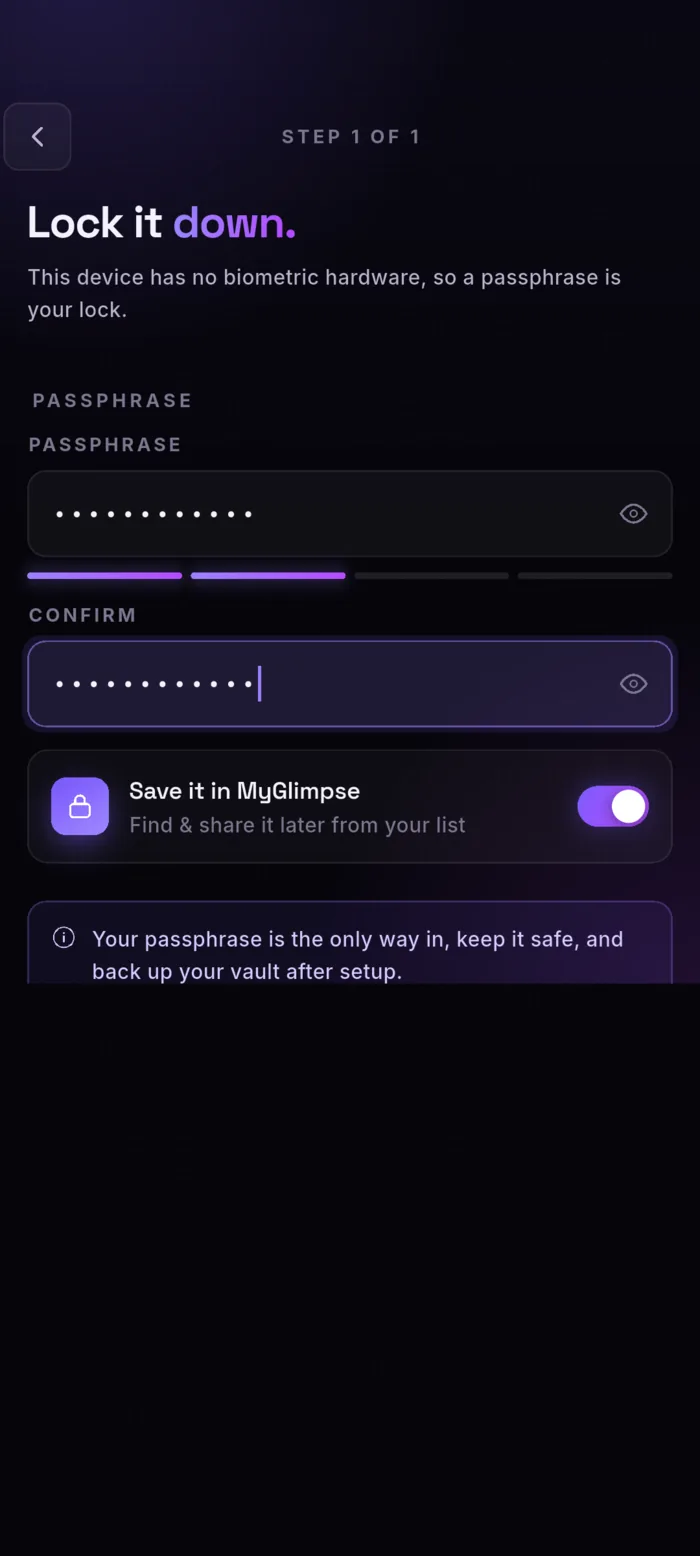
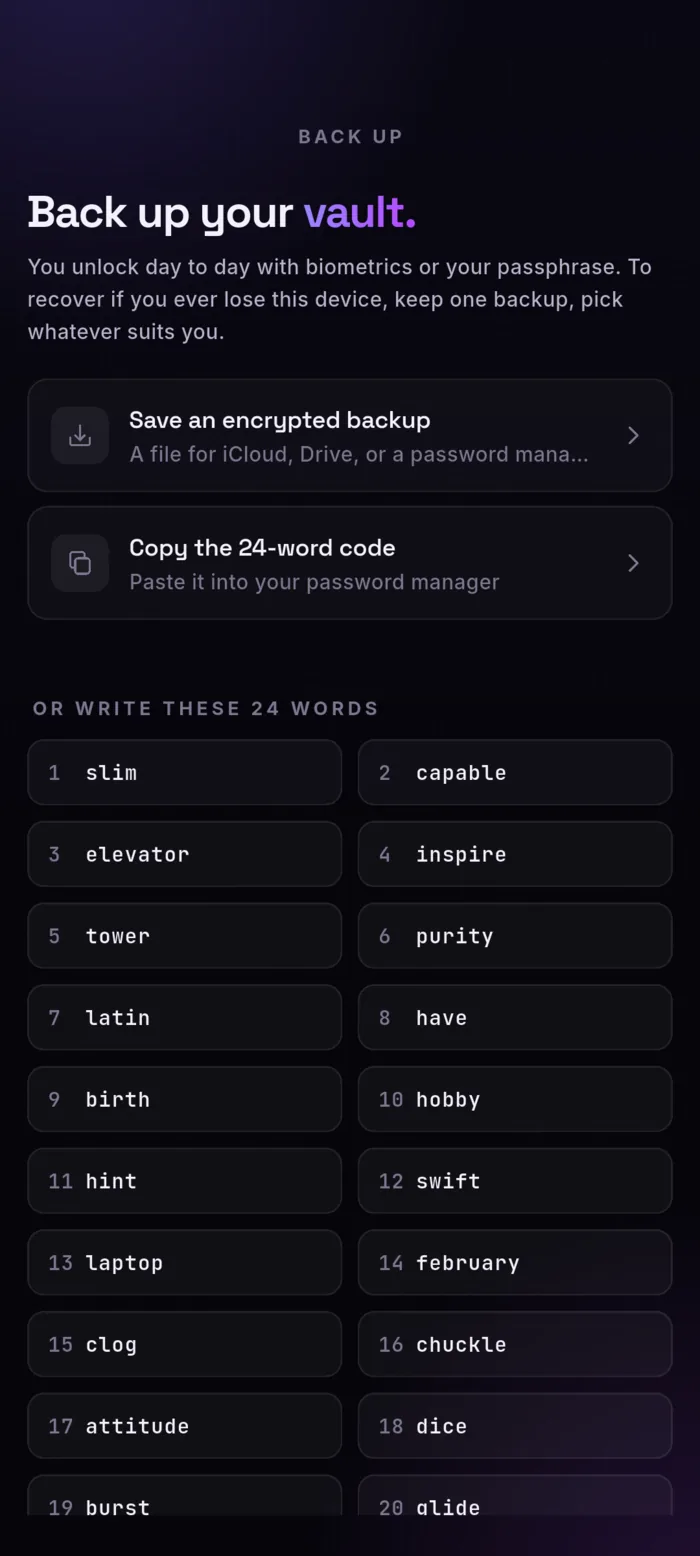
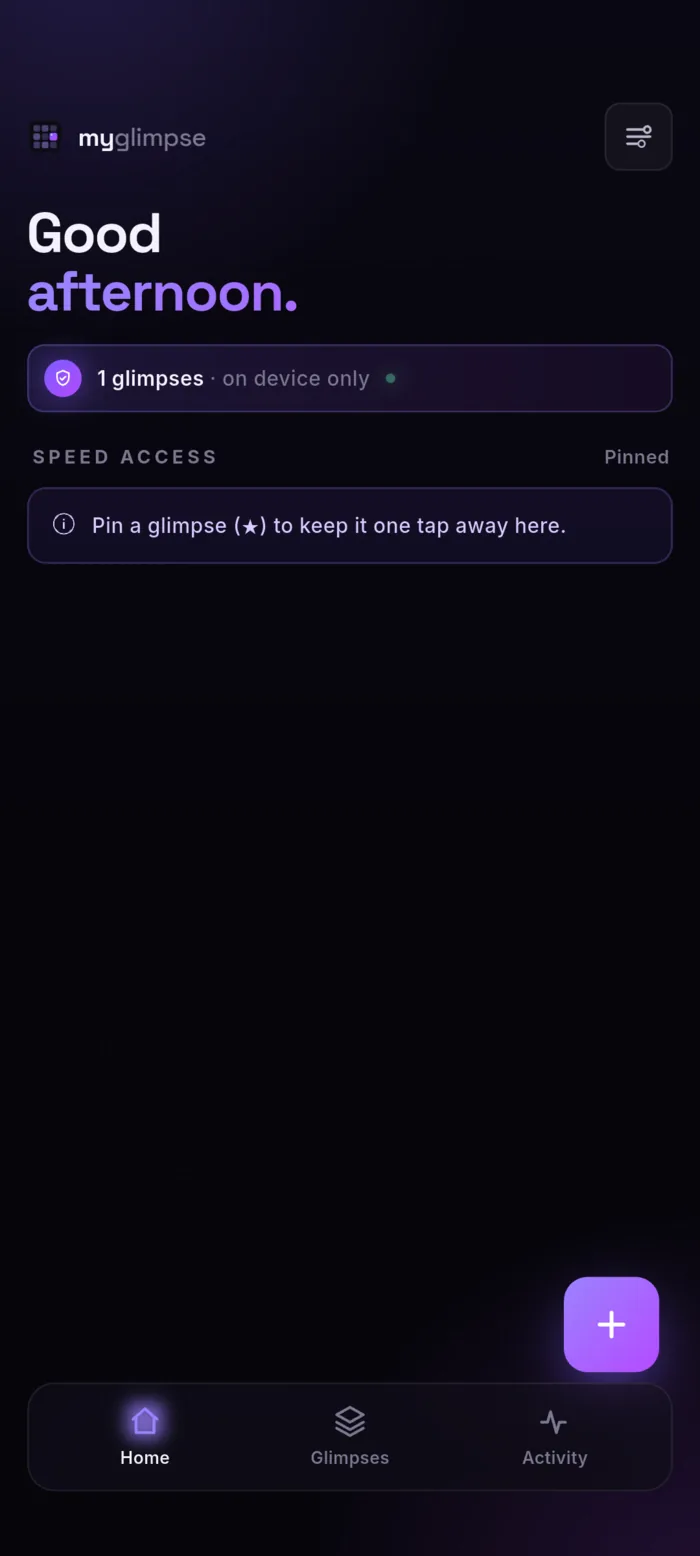
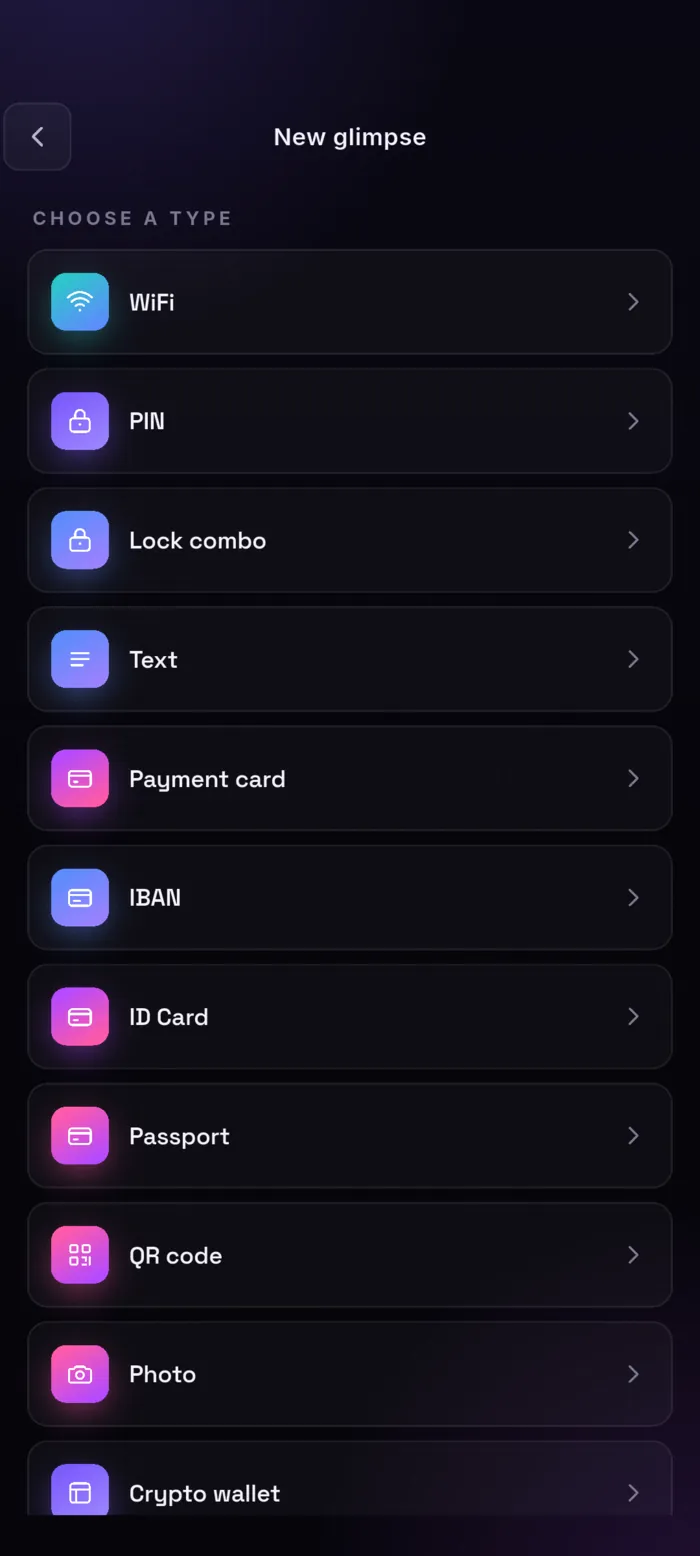
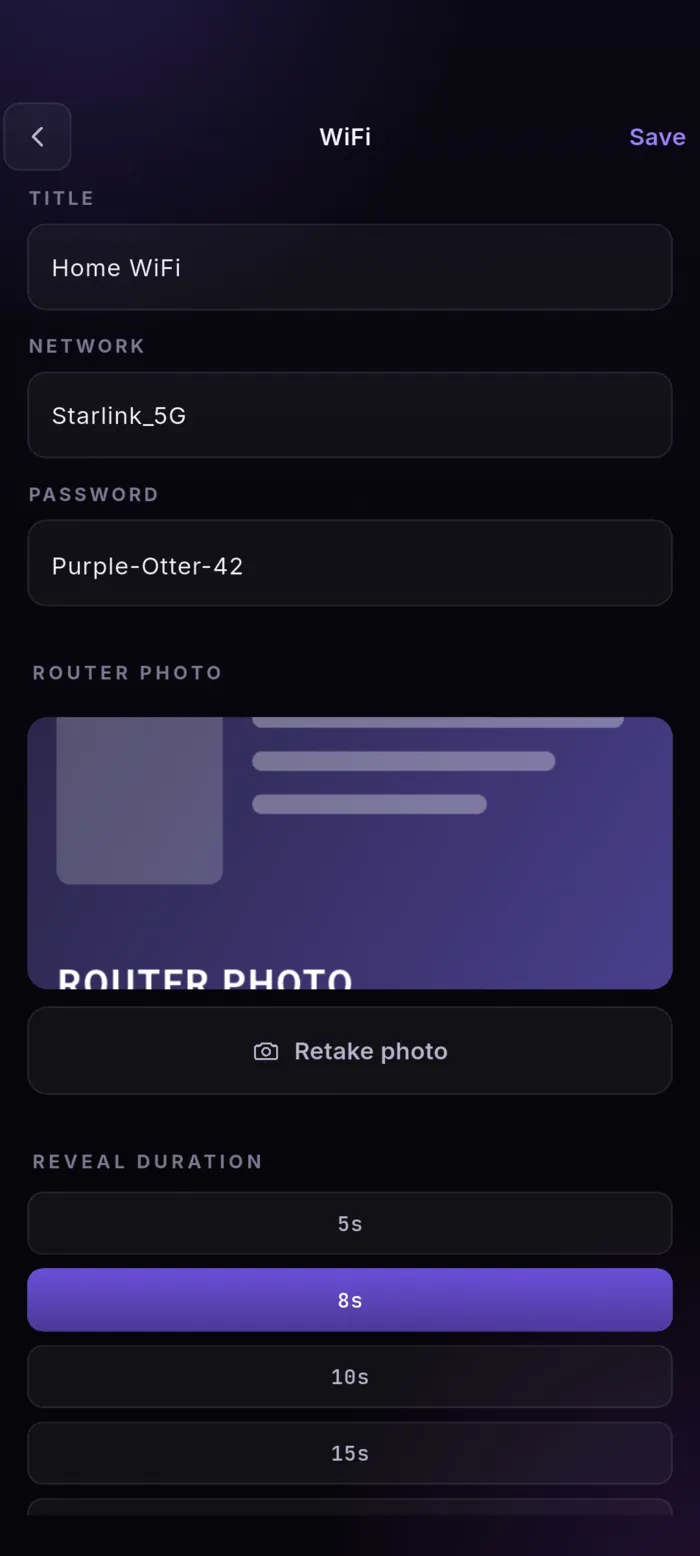
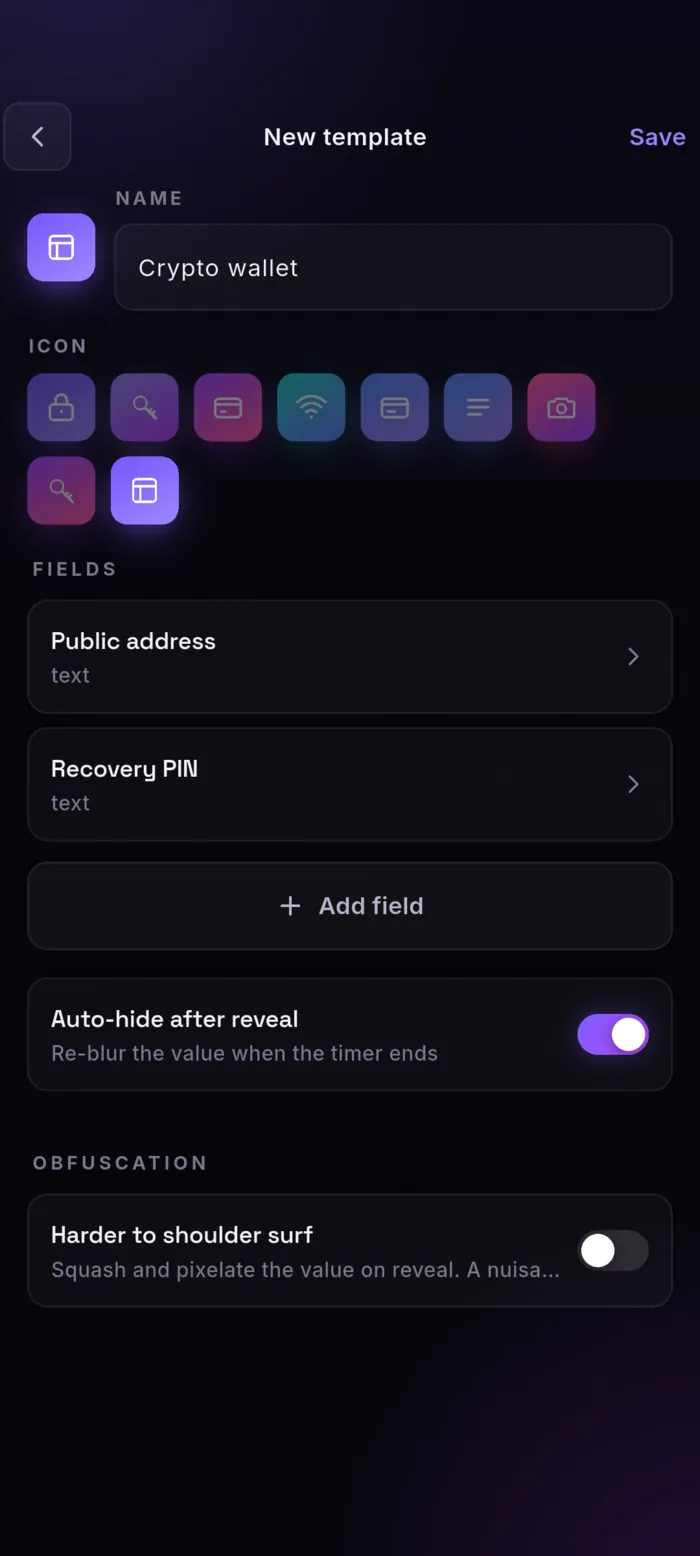
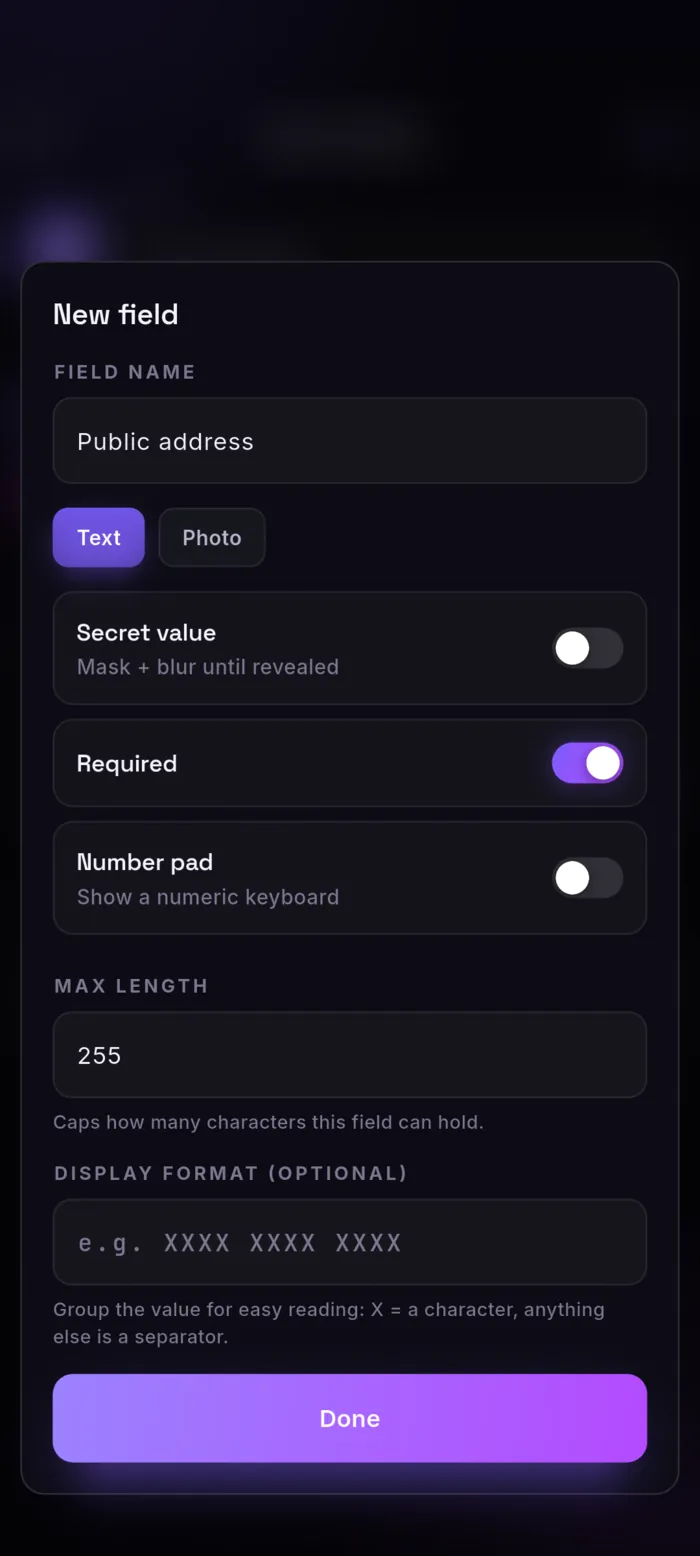
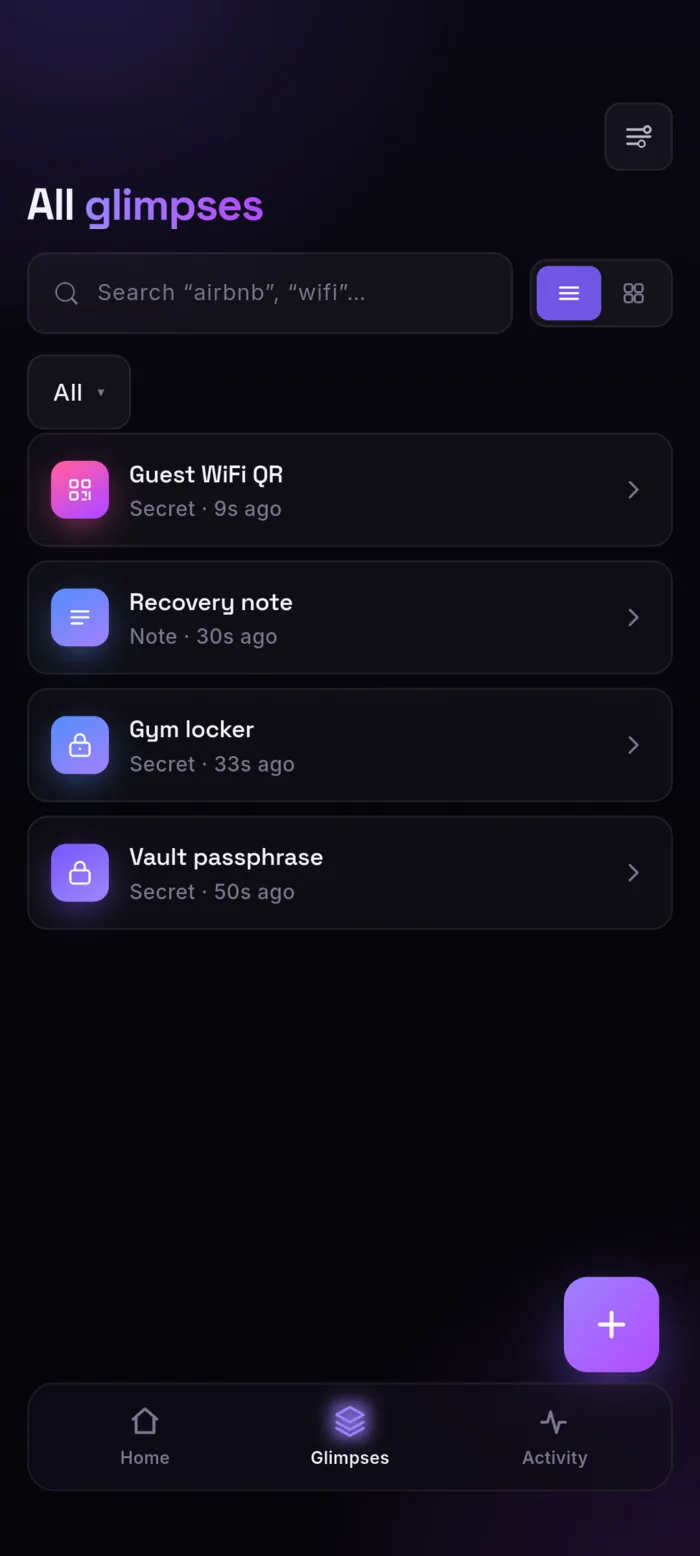
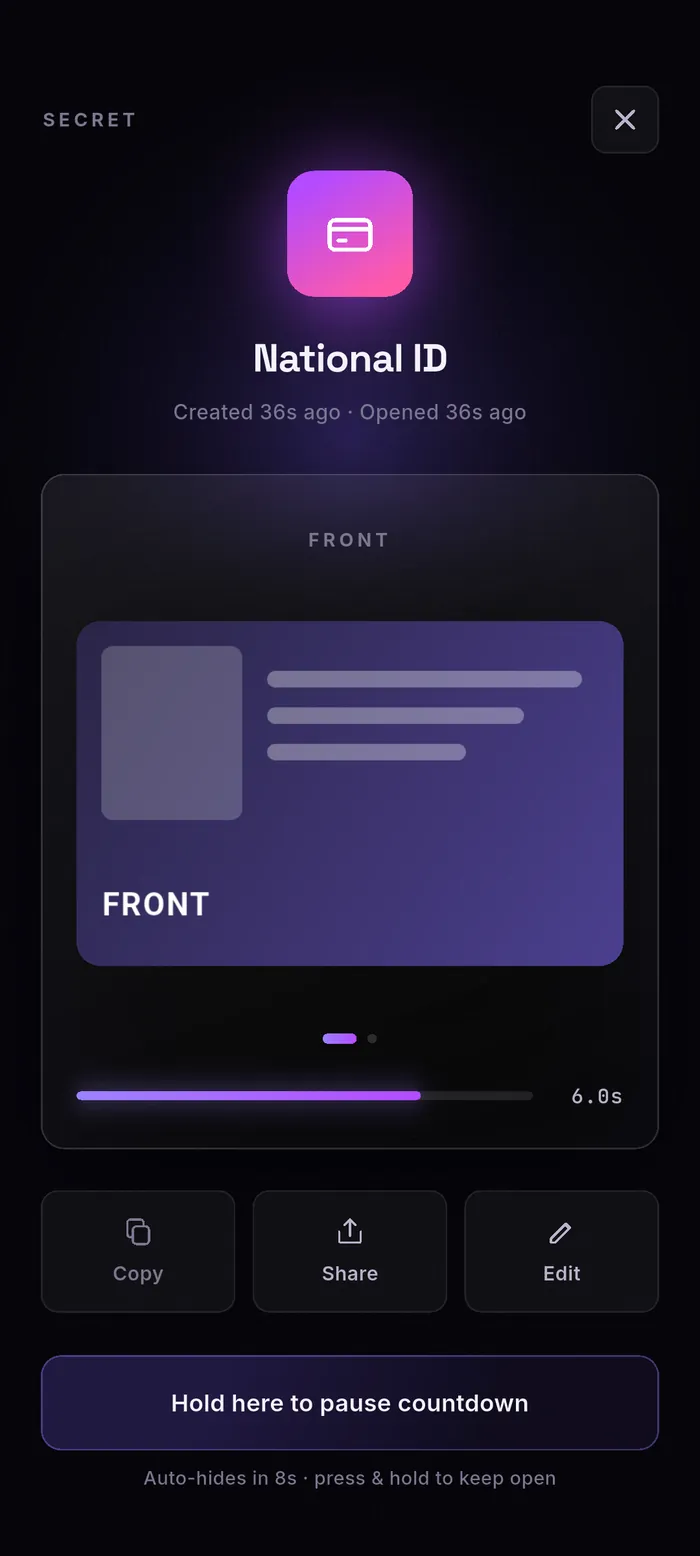
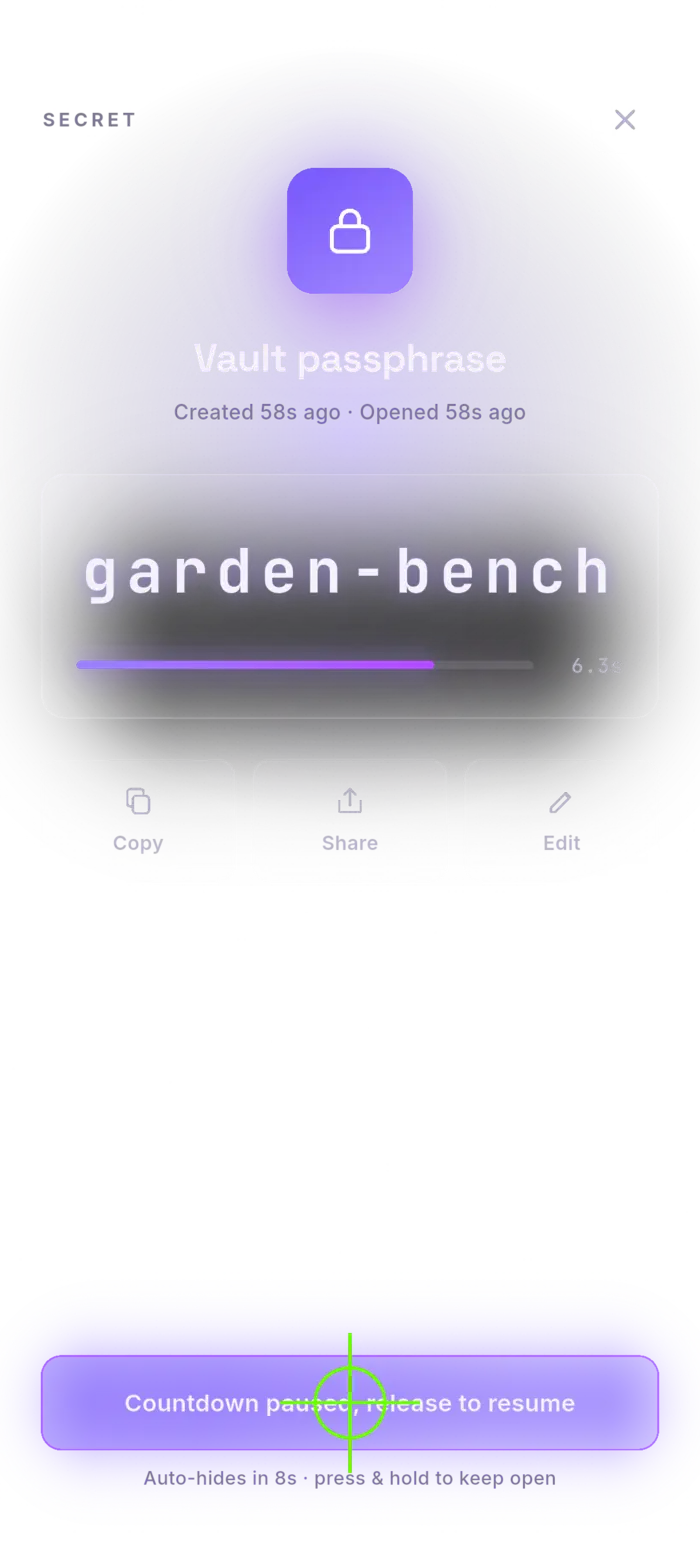
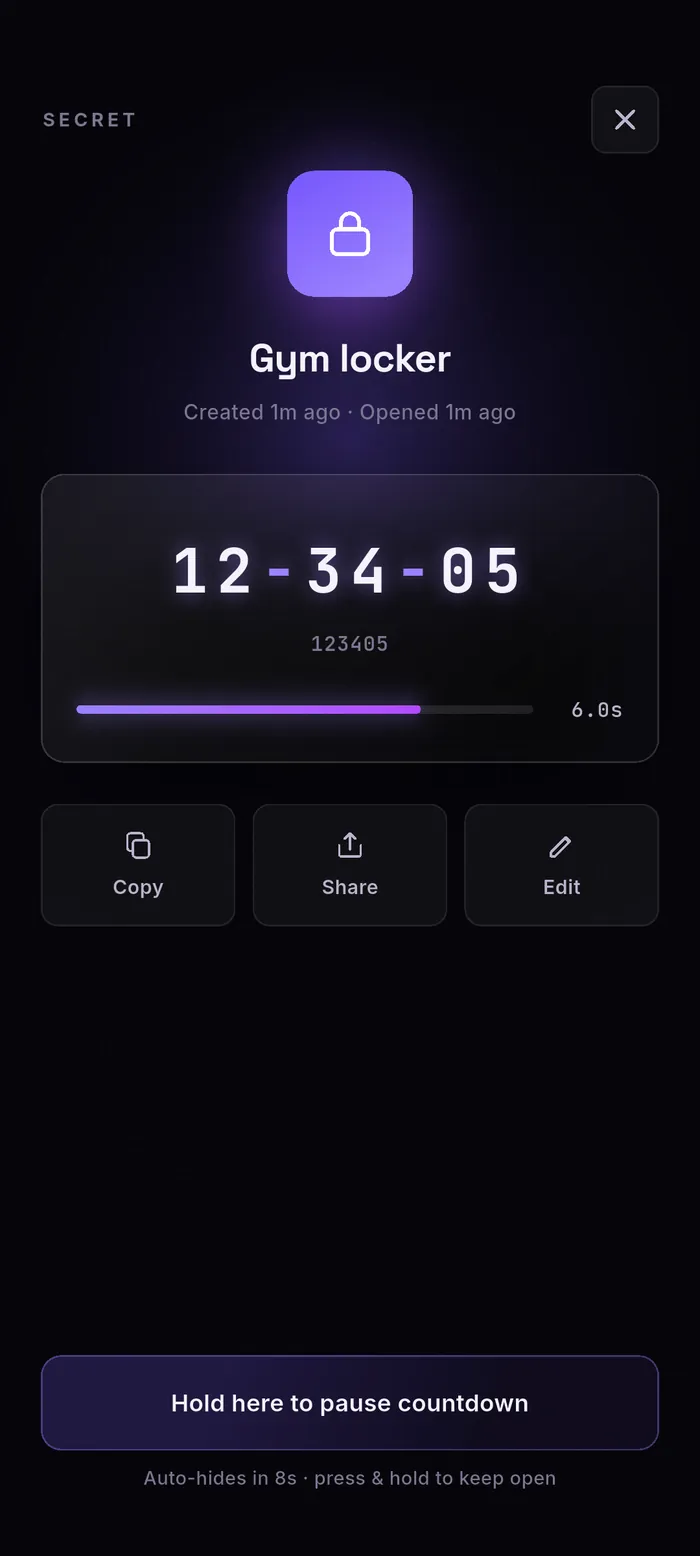
Marketing pages love a glossy render of an app that doesn't quite exist yet. These aren't that. Every frame here is a real screenshot from a phone running MyGlimpse — the setup you meet on first launch, the list your secrets live in, the reveal screen with its countdown, the settings. What you see is what installs.
no artist's impression. just the app, as shipped.
[ 01 ] the first run
A vault in about a minute, no account anywhere.
Open it, and it makes an encrypted vault on the device. You lock it with biometrics or a passphrase, then keep one backup so a lost phone is never a lost vault. Three screens, then you're in.
[ 02 ] day to day
One device, one tap away.
Pin the handful you reach for onto the home screen, and keep the rest in one searchable list — every glimpse tagged by type and by when you last opened it.
[ 03 ] the reveal
Tap to read. Eight seconds later, it's gone.
The value shows big and grouped while a countdown runs, then re-blurs on its own — nothing left for the person behind you in the queue. Copy it, share it, or edit it right there. Need a moment longer? Press and hold to pause the countdown; let go and it resumes. Eight seconds is only the default — every glimpse can carry its own reveal window, or none at all.
the screen is where a secret gets read over your shoulder. so it doesn't linger.
[ 04 ] the controls
Sensible by default, all of it yours to change.
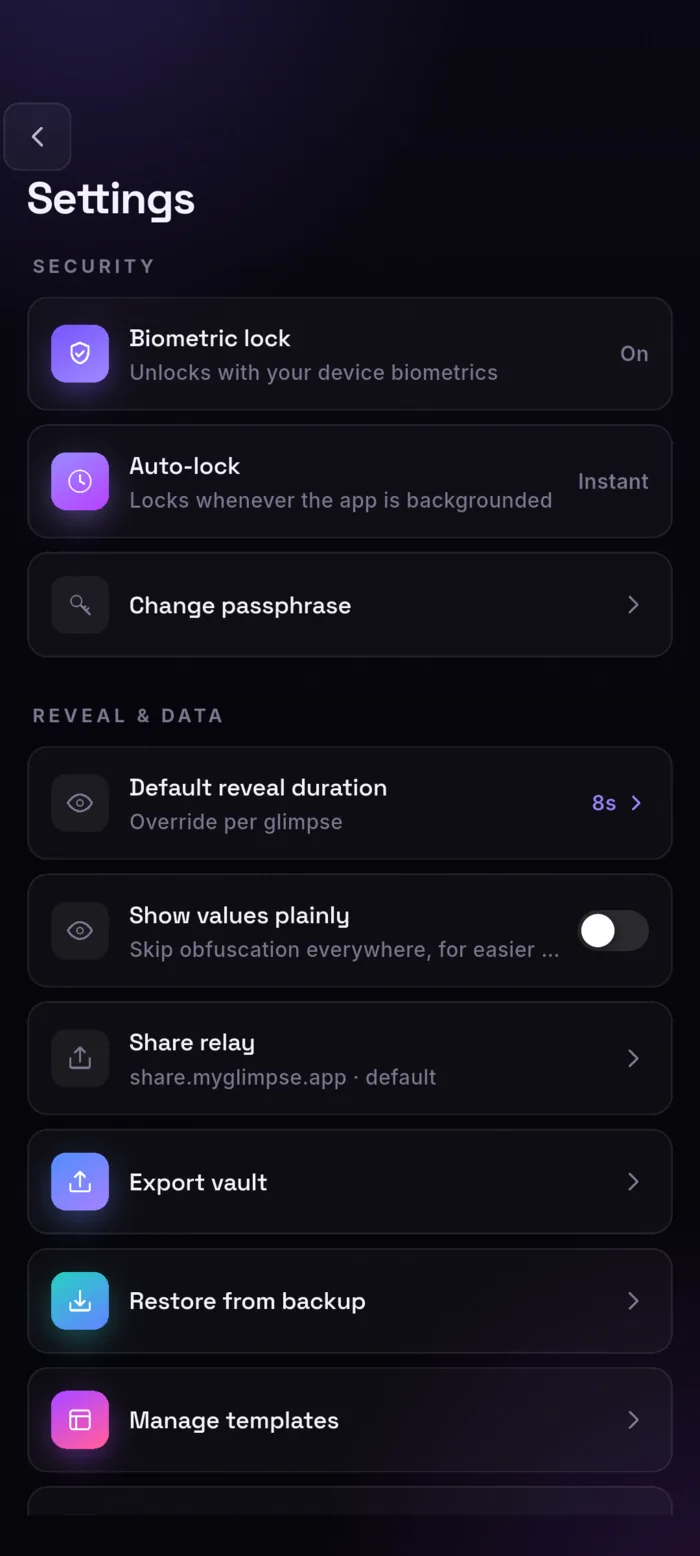
Biometric unlock and instant auto-lock are on out of the box. From here you set the default reveal window, choose whether values ever show plainly, and point sharing at our relay or one you run yourself. Your vault, an encrypted backup, and your own templates all live a tap away.
- Auto-lock
- Locks the moment the app leaves the foreground. Instant by default.
- Reveal window
- Eight seconds by default, overridable per glimpse.
- Share relay
- Ours, or your own self-hosted server. Your call.
- Export & restore
- A password-protected file you can take anywhere.
[ next ]
That's the whole app.
No hidden dashboard, no web console, no account portal — what's on these screens is all of it. The rest is in the details.
app store & google play · listings in review